

This article introduces the role of Google Maps for businesses and explains why it has become essential for modern companies.
Google Maps for businesses helps companies build a strong online presence and appear in search results when customers look for nearby services.
When a user searches on Google Search and Maps, a well-optimized business listing can appear instantly, making it easier for customers to find the right service provider. This creates a powerful first impression and increases local visibility.
Many companies use Google Maps for businesses to manage their business profile, update business information, and interact with customers through reviews and updates.
A complete Google Business Profile allows businesses to list their phone number, service area, business type, and storefront details so they can rank higher in local search results. It also provides insights and analytics that help track performance and customer behavior.
To get started, businesses must create a Google listing, verify ownership, and ensure their information is accurate.
The above process allows Google to trust the listing and show it in search results. Once verified, businesses can optimize their profile by selecting the right category, adding a description, and encouraging customers to leave a review.
Key benefits of Google Maps for businesses include:
Despite these advantages, many businesses face a challenge.
While Google Maps for businesses helps users find your business, it does not control what happens after they click. Customers may see your location, but they may not get the full information they need to make a decision.
This gap between discovery and conversion is where many businesses struggle. They rely on Google Maps for businesses for visibility, but lack the tools to guide users once they reach their website. This creates missed opportunities to convert interest into action.
In the next section, we will define Google Maps for businesses in detail and explain how it works, so you can understand its full potential before exploring how to overcome its limitations.
Google Maps for businesses is a system that allows a company to appear on Google Maps when users search for products or services nearby.
It connects your Google Business Profile with Search and Maps so customers find your business quickly. A complete business profile shows key info such as address, phone number, category, and reviews.
When you use Google Maps for businesses, your business listing can appear in search results based on location, relevance, and quality. This helps customers discover nearby options and compare service providers before they click or visit.
The platform also supports updates, photos, and posts so you can manage your business and keep information fresh.
To make the most of this arrangement, you need to:
These steps help your listing rank higher and improve your digital footprint. They also help customers trust your business because they see consistent and verified details.
Google Maps for businesses also provides insights and analytics. You can track how users search, how many people click your listing, and how often customers request directions or call your phone number. This data helps you optimize your strategy and grow your business with Google.
Key features include:
Even with these features, Google Maps for businesses mainly focuses on helping customers find your business. It does not control what happens after the click. That limitation becomes important as your business grows and needs better control over user experience.
In the next section, we will show how to register and verify your business on the platform so you can get started the right way.
This section explains how to register your business using Google Maps for businesses and helps you complete the setup correctly.
To appear on Google Maps for businesses, you must create and verify your Google Business Profile.
This process connects your business listing with Google Search and maps so customers can find your business easily. If your listing is incomplete or not verified, it may not appear in search results.
Many business owners search for the Google Maps business register or Google Maps business add when they want to get started. The process is simple, but accuracy is important.
Start by setting up your Google business profile with the correct business information. This includes your business name, category, location, and contact details.
To begin, you need to create and verify your Google Business Profile so your listing becomes eligible to appear in search results.
After creating your profile, you must add your location so it becomes visible on Google Maps. Many users look for guides on how to add a business location to Google Maps to ensure proper setup.
This step ensures customers find your business when they search for nearby services.
Verification confirms ownership and builds trust with Google. Without verification, your listing may not rank higher or appear consistently.
This step is critical because Google uses verification signals to rank your listing higher in local search results.
Once verified, you should optimize your listing to improve local visibility and attract new customers.
To increase reach, businesses should also optimize their business for near-me searches so they appear in location-based search queries.
| Step | Action | Outcome |
| Create Profile | Add business information | Enables listing creation |
| Add Location | Place a marker on the map | Improves discoverability |
| Verify Listing | Confirm ownership | Builds trust and ranking |
| Optimize Profile | Add content and updates | Increases visibility |
Completing these steps ensures your business is properly listed and ready to attract customers through Google Maps for businesses. However, while registration helps users find your business, it does not guarantee they will take action once they click.
In the next section, we will explore the key benefits of Google Maps for businesses and how it helps drive visibility and engagement.
This section highlights the main benefits of Google Maps for businesses and how it helps companies improve visibility.
Google Maps for businesses gives companies a strong online presence and helps them appear in search results when customers look for nearby services.
A well-optimized Google Business Profile increases local visibility and helps customers find your business faster.
Google Maps for businesses also helps you manage your business more effectively.
These features help businesses grow and stay competitive. According to Google’s research on “near me” searches, users increasingly rely on location-based searches to make quick decisions.
| Benefit | Impact |
| Visibility | More impressions in search results |
| Trust | Better credibility through reviews |
| Engagement | More clicks and interactions |
| Growth | Increased customer acquisition |
Google Maps for businesses clearly improves visibility and engagement. However, it still focuses mainly on discovery and not on what happens after users click your listing.
In the next section, we will look at the hidden limitations of Google Maps for businesses and identify the gap between visibility and conversion.
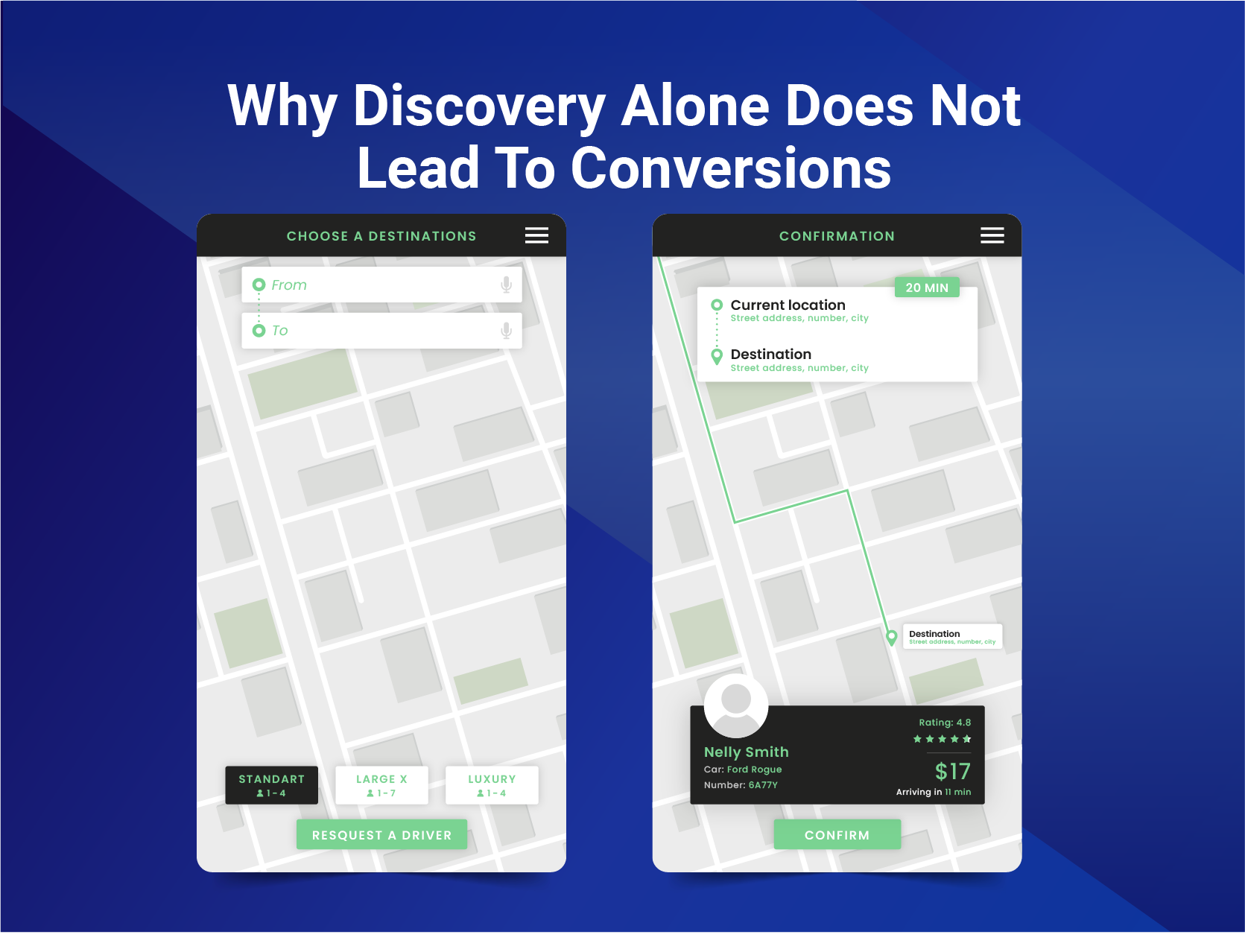
This section explains the key limitations of Google Maps for businesses and why visibility alone is not enough.
Google Maps for businesses helps customers find your business, but it does not control what happens after the click. Once a user clicks your listing, they may not get enough information to make a decision. This creates a gap between discovery and conversion.
Many businesses focus only on the Google Maps business register and the Google Maps business add steps. They complete their business listing, verify it, and expect results. However, the user experience after discovery is often weak.
When customers find your business through Google Maps for businesses, they expect clarity and direction. Instead, they often face confusion.
This reduces engagement and affects conversion rates.
| Limitation | Impact |
| Limited control | Poor user experience |
| No filtering | Hard to navigate multiple locations |
| No product visibility | Lower conversion |
| Static listing | Missed opportunities |
Google Maps for businesses is designed for discovery. It helps users find your business, but it does not help them choose the right option or complete an action. This becomes a serious limitation for growing companies.
To improve results, businesses need more control over how their location data is presented and how users interact with it.
In the next section, we will explore how WP Maps solves this problem and turns visibility into real conversions.
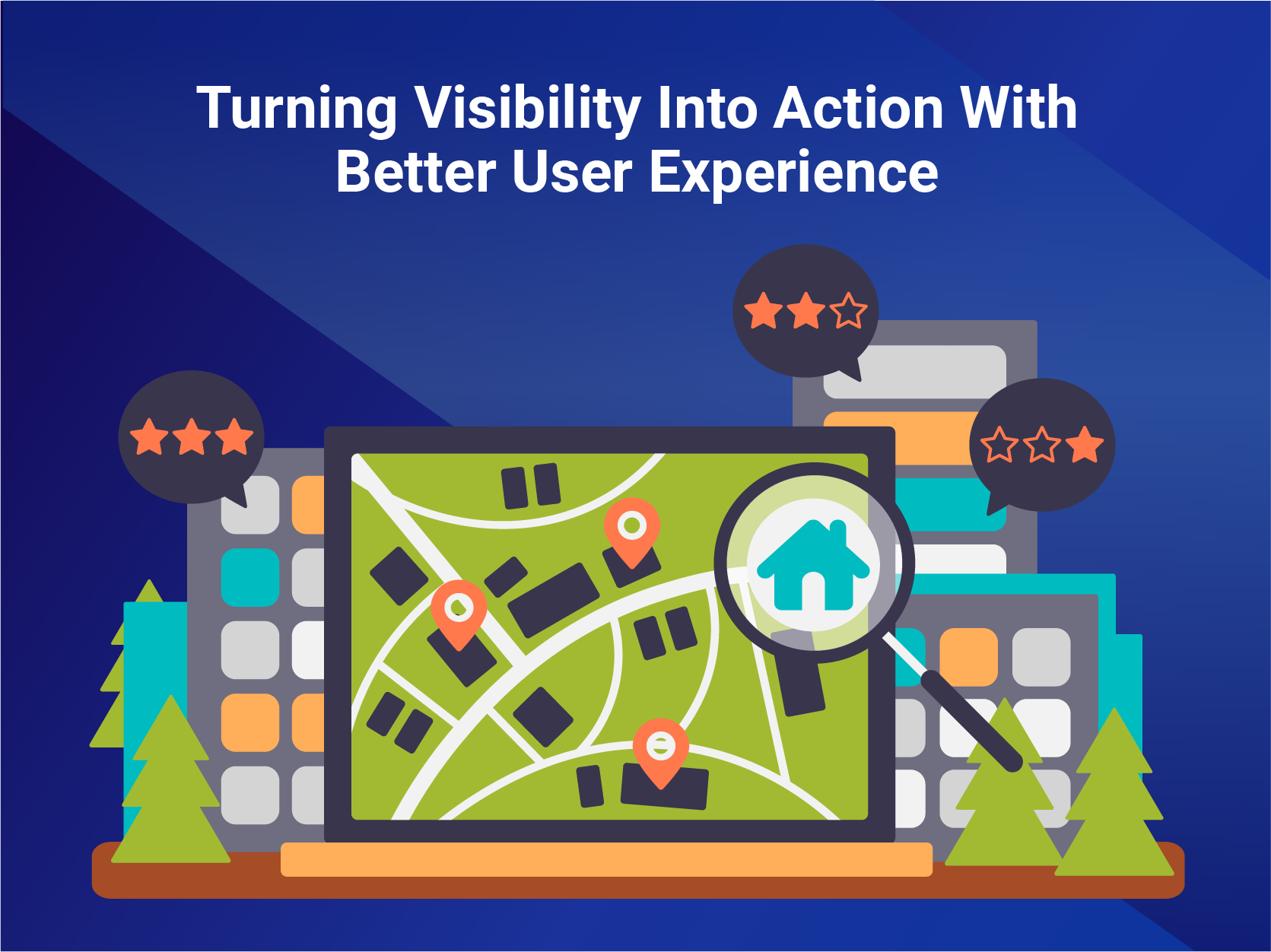
This section shows how WP Maps solves the gap left by Google Maps for businesses and turns visibility into real action.
Google Maps for businesses brings customers to your listing. But it stops there. It shows a location, a review, and basic business information. It does not guide the customer to the right choice. It does not help them compare options. It does not help them take the next step.
This is where most businesses lose potential customers.
Imagine a user finds your business on Google Maps for businesses. They click. They are interested. But then they face a problem.
These questions remain unanswered. The customer hesitates. Then they leave.
This is not a visibility problem. It is a clarity problem.
WP Maps is built to solve exactly this problem. It takes everything that Google Maps for businesses does and extends it into a complete, controlled, and conversion-focused experience on your website.
Instead of a static listing, WP Maps gives you a dynamic and interactive platform where customers can find exactly what they need.
WP Maps is not just another map tool. It is a complete location-based system designed for businesses that want to convert traffic into action.
These features help customers move from discovery to decision without confusion.
With WP Maps, you are no longer limited by the basic structure of Google Maps for businesses. You gain full control over how your business information is presented.
This level of control creates a better experience and increases the chances of conversion.
Google Maps for businesses helps customers find your business. WP Maps helps them choose the right option and take action.
To build a complete system, many businesses combine their listing strategy with tools that synchronize Google Business Profile with their store locator so data remains accurate and consistent across platforms.
For companies managing multiple locations, solutions like Agile Store Locator work alongside WP Maps to provide advanced store-level control and scalability.
| Feature | Google Maps for Businesses | WP Maps |
| Discovery | Yes | Yes |
| Website control | No | Yes |
| Multi-location clarity | Limited | Advanced |
| Product visibility | No | Yes |
| User interaction | Basic | Interactive |
| Conversion support | Low | High |
Customers today expect fast and clear answers. They want to find your business and make a decision in seconds. If they cannot get that clarity, they move to a competitor.
WP Maps removes confusion. It provides structure. It gives direction.
This is how you turn visibility into growth.
Google Maps for businesses is the first step. WP Maps is what completes the journey.
In the next section, we will look at how to integrate this platform with your website and why basic integration is still not enough for modern businesses.
This section explains how to integrate Google Maps for businesses into your website and why the basic setup is not enough.
Most businesses embed Google Maps for businesses using simple tools. They add a location view to their site so users can see where they are located. This improves visibility but does not improve user experience.
Many businesses follow guides to insert Google Maps on a website, which is a good first step.
For advanced features, businesses can use the Google Maps platform documentation to access APIs and enable customization. This allows developers to work with JavaScript, api, and APIs to build more dynamic experiences.
To enable these features, you also need to follow proper Google Maps API key setup instructions for secure integration.
Even after setup, Google Maps for businesses remains limited.
This means users still cannot easily find what they need after landing on your site.
To solve this, businesses need a smarter system that goes beyond simple integration and improves how users interact with location data.
In the next section, we will look at real business use cases and how better location systems improve performance.
This section shows how different businesses use the platform and why they need more than basic visibility.
Google Maps for businesses works well for discovery. But growing companies need better control once customers arrive on their site.
In each case, customers want clear answers. They want to know where to go and what is available.
This is where better location systems improve results. Businesses that already focus on visibility often learn how online business services scale faster with location visibility.
Google Maps for businesses helps customers find your business. But real growth comes when you guide them to the right choice.
In the next section, we will look at best practices to optimize your listing and improve performance.
This section explains how to optimize Google Maps for businesses to improve visibility and engagement.
A well-optimized listing helps your business appear higher in search results and attract more customers.
These steps help improve your ranking and increase local visibility.
| Area | Action |
| Profile | Complete all details |
| Reviews | Respond and engage |
| Content | Add photos and updates |
| Accuracy | Keep information updated |
Google Maps for businesses rewards active and accurate listings. The more complete your profile, the better your chances of ranking higher and attracting new customers.
In the next section, we will explore how location visibility directly impacts sales and business growth.
This section combines growth impact, common mistakes, and key questions to help you use Google Maps for businesses more effectively.
Google Maps for businesses improves visibility, but real success depends on how well you guide users after discovery. When your listing is clear, and your website experience is structured, customers move from search to action faster.
Using Google Maps for businesses correctly can improve both traffic and conversions.
When customers clearly understand your locations and services, they are more likely to take action.
Many businesses fail to get results because they stop at the basic setup.
These mistakes reduce visibility and affect performance.
In the final section, we will summarize the key insights and explain how to turn visibility into real business results.
This section summarizes how Google Maps for businesses helps companies grow and what is needed to turn visibility into real results.
Google Maps for businesses is a powerful tool for building local visibility and helping customers find your business through search. It improves your online presence, strengthens trust through reviews, and allows you to manage your business profile with accurate and updated business information. For many companies, it is the starting point of their digital strategy.
However, visibility alone is not enough. While Google Maps for businesses brings users to your listing, it does not guide them once they arrive.
Customers still need clarity to choose the right location, understand availability, and take action. This is where many businesses lose potential opportunities.
To close this gap, companies need better control over how their location data is presented and how users interact with it.
By combining Google Maps for businesses with a structured and interactive solution like WP Maps, businesses can create a complete experience that supports both discovery and conversion.
This approach improves engagement, increases conversions, and helps you grow your business with Google more effectively.
Google Maps for businesses is the first step. The real advantage comes when you build on it and guide your customers all the way to a decision.
Businesses can use a mobile app or dashboard to manage their Google Business Profile and update listings quickly. This allows them to edit business information, respond to customer queries, and track performance. Using an app helps streamline daily tasks and keep data accurate across platforms.
Yes, using ad options can increase visibility and help your listing appear higher in search results. Some businesses also enable booking features so customers can schedule services directly. These tools improve engagement and help convert interest into real actions.
Google Maps includes 3d views that help users explore locations visually. Developers can also use sdks and APIs to build advanced features on top of the Google Maps platform. These tools help create better user experiences and improve how customers interact with your business.
Businesses can link their shop or property listings to their Google Business Profile so users can find accurate location details. This helps customers find your business easily and improves trust by showing consistent information across your digital presence.
Modern tools such as Chrome browser extensions and AI tools help businesses analyze performance and optimize listings. They allow users to input data, track insights, and streamline updates. These tools make it easier to manage your business and improve visibility over time.

Talha has 3 years of experience in writing blogs and guide articles about topics that cover e-commerce practices, WordPress plugins, and SaaS apps. His blogs are SEO-oriented and have ranked high on SERPs. His main goal is to convey complicated topics in an easy-to-understand format for his readers. Usually, this involves thoroughly researching a topic beforehand before translating it into a comprehensible article. Talha has completed his bachelor’s from the American University of Sharjah where his passion for writing and communication was sparked by learning to write about a wide range of topics such as social issues, history, and scientific methodology. His main area of expertise was writing technical papers that were easy to digest by a general audience.

This introduction sets the context for why so many people are actively searching for an idea...
Online business services have changed the way people discover, choose, and use services. Today, customers expect...